Skip to content 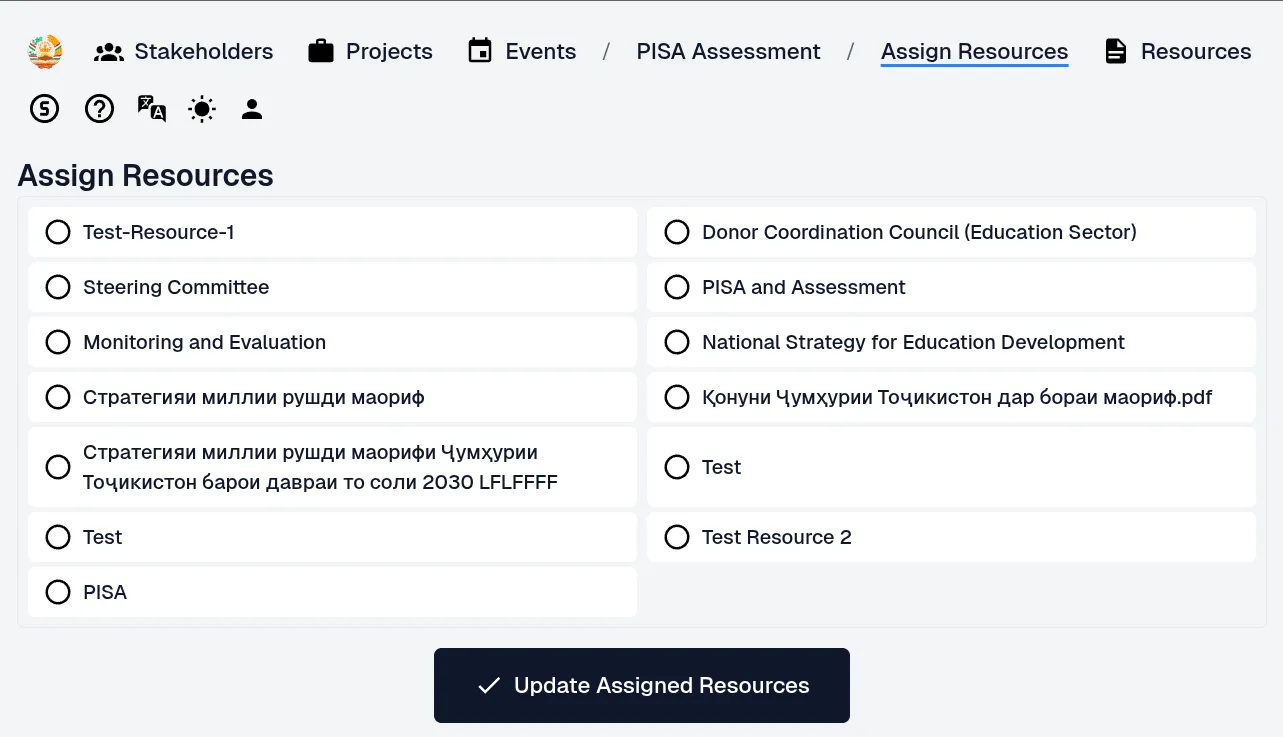
- Navigate to the event you wish to manage.
- Click Add Resource within the event’s details view.
- Select the resource you want to link from all available resource options.
- Linking resources to an event enables quick and efficient discovery of related content.
- File attachments require linked resources: Only Resources can have files attached. If you need to append files to an event, you must first link a Resource.
- Recommended practice: Create a Resource with the same name as the event to maintain clear alignment between the two.
- Grouping multiple resources: Linking several resources to a single event allows you to group related materials together for better organization.